

The Basics of Electronics: Exploring the Fundamentals


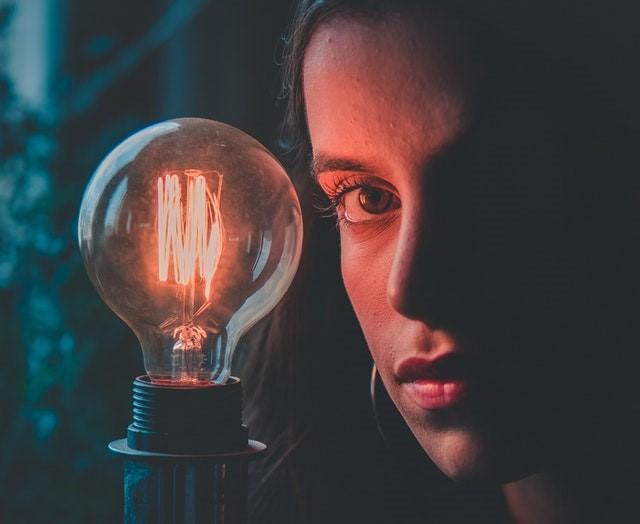
Photo above by Karol D from Pexels
By Naveen Devinda and D. A. Cullors (Contributing Authors)
Electronics is a vast field of study and one that has influenced many of our lifestyles today. Walkthrough your day and see if you’ve gone past an hour without the involvement of electronics. From keeping your vegetables and meat fresh, to taking hot water showers and watching Netflix, everything is made possible thanks to sophisticated electronics. Things weren’t always this advanced. Looking 50 years back, electronics were only capable of doing very primitive things. Thanks to the contributions of great physicists and corporations like Texas Instruments, electronics has grown exponentially to become what it is today. There are so many definitions to what electronics is but as an enthusiast and educator, I like to think of it as the outcome of electricity and creativity. In this article, let’s look at the fundamentals of electronics, and hopefully I’d be able to give you some direction on how you can get your feet wet in this field.
Circuits
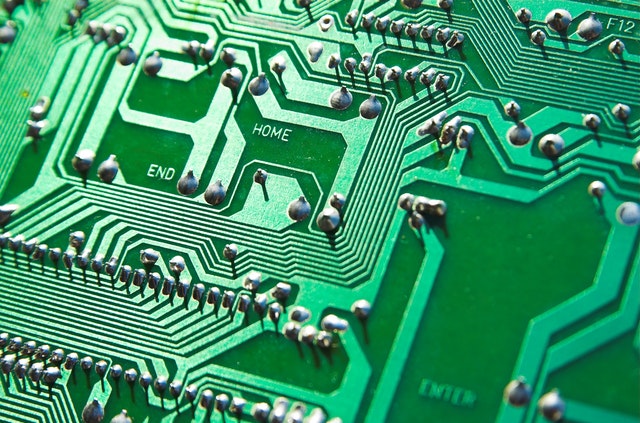
At the core of any electronic device is a circuit. Circuits are the arrangement of cells, components, and wires to carry out a particular function. Circuits come in various sizes from high power circuits in electrical panels of power stations to consumer electronics and the most anticipated nanoelectronics. At the root level of all these varying forms, it’s always the laws of electricity that come into play. Every circuit will comprise three key elements; power, load, and connectors.
1. Power source/ supply
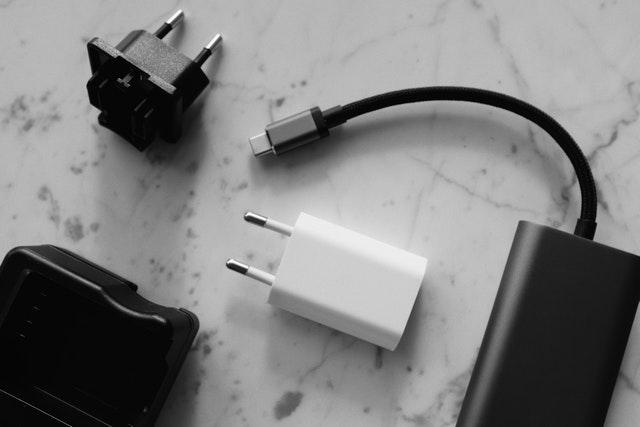
Consider the following electronic devices you and I probably use on a day-to-day basis:
- Smart Phone
- Laptop
- Headphones/ Speakers
- Light Bulbs in your room
Each one of these devices is powered by one or a combination of several sources like batteries, main power, USB port, etc. Could you come up with electronic devices that are powered by sources other than the three above? Hint: Outdoor lights used for gardens don’t use batteries, and don’t have to be connected to the main power supply of your home. What source is it powered by?
The decisive factors when selecting a power supply depend on the appliance or device using the power. For example, the main difference between a laptop and a desktop is the laptop’s portability which is only possible because of the alternate power supply being used. Smartphone companies can choose to increase the size and weight of a battery to increase the capacity of their products, but they won’t do that because every single gram they add to the smartphone will hurt the user experience (by making the phone heavier, etc.). However, with vehicles, manufacturers aren’t critical about the size of their batteries because users do not care as much if their car gets heavier by 20-30 kg.
So, factors that affect usability will influence the type of power supply a device will be given- such as whether or not the device is meant to be portable or not, and whether or not its weight will matter to the user. But overall, the most important factor is the energy demand of the device, also known as the load.
2. Load

The load refers to all the components in a circuit that can draw a current. If you think about the main circuit in your home, the load would consist of all the appliances and devices that are connected; lighting, computers, fridge, etc., are all loads. The higher the load the higher the demand for energy/power.
3. Connectors and switches
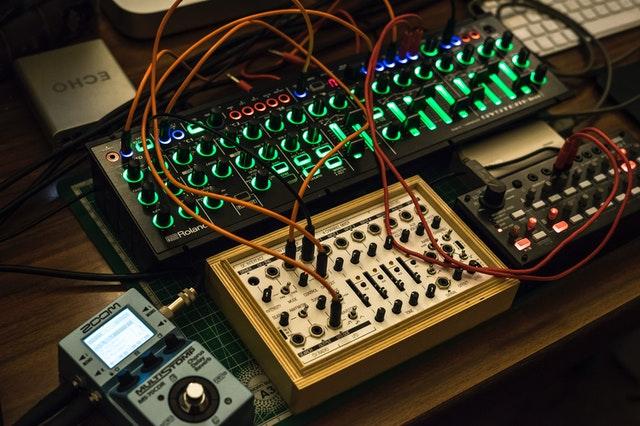
By definition, the term circuit refers to a loop or a pathway. Connectors create these pathways for current to flow across various components in a circuit. The most common connectors are wires, but if you’ve looked at a PCB (printed circuit board, ex: motherboard) you will see tracks, which also function as pathways. Sometimes just like railroad switches we need to be able to re-route or even break connections to establish different functionality. Switches allow us to do exactly that. Switching technology goes far beyond typical switches that allow you to turn ON and OFF a device. For example, there are switches with no moving parts (reed switches) that work under the presence of magnetic fields. There is a lot of technology that goes into switching on high power devices like generators and industrial equipment to prevent arcing. This is when a strong current leaps across the gap between electrodes, or within a circuit- which can be quite dangerous.
Basic components
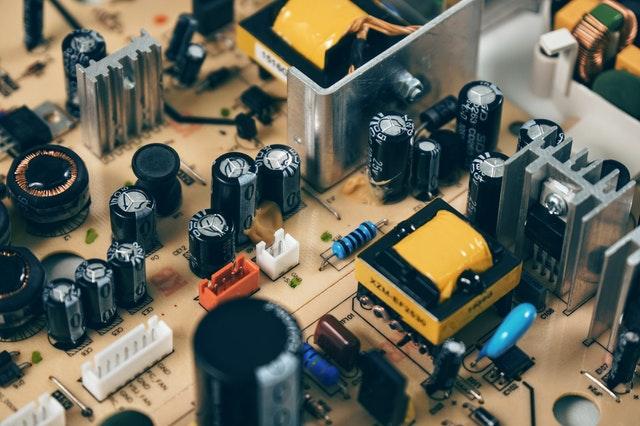
Here are some components that you are likely to see in many circuits. It’s important to know their role and how to use them properly.
● Resistors – Think of these as gateways to current. Excess current can damage components. Resistors help control the amount of current flowing across a particular pathway. They come in various capacities and sizes and their resistance is measured in ohms.
● Diodes – Sometimes it’s helpful to have current flowing in a single direction. Diodes made it possible for alternative current(the current from our mains supply) to be converted to direct current (Find out more about it by looking up the interesting history of rectifiers).
● Capacitors – Used to store charge.
Analog and Digital Electronics
When you are invested in studying electronics you are soon going to see the higher-order categorization of general electronics into analog and digital. Analog electronics deals with analog signals. Your voice is considered analog because the volume as you speak reaches high and low levels and infinitely many levels in between. Your pulse can be considered digital, it’s either a pulse or no pulse, swinging between two discrete states. Here’s a simple exercise. See if you can determine which of these signals are analog or digital.
- Light intensity during the day.
- Signal that tells us whether someone passes through an access point.
- A signal that shows the country with the highest GDP in real-time.
Today, most applications utilize analog and digital electronics in parallel. Here’s a wonderful example: think about a fire alarm circuit. The goal is to switch on the alarm when the temperature hits a certain critical level. The temperature sensor will monitor the temperature of the premises, which is a continuously varying signal (analog). But the alarm switch essentially needs a signal that says True or False, High or Low, or, On or Off (digital) telling it whether it should set the alarm on or not. This is where we utilize ADC (Analog-to-Digital Converters).
Could you come up with an application that will have to use DAC (Digital to analog convertors)? Hint: Think Headphones!
By this point, you may be overwhelmed by how circuits can become complicated even though it is solving a problem that seems relatively simple on the surface. I believe studying electronics is just like painting, you are not going to come up with a masterpiece right off the bat, but you are going to learn from your blunders and rookie mistakes as you move on. You are not going to know how much you like it until you get started.
Essentials for getting started

With hobbies like machine learning, 3-D animation, and making videos on YouTube, it can be quite expensive and technically demanding just to get started. That’s what I love about electronics; you can build functional projects without spending much at all. All you need is a basic understanding of the principles of electricity and a few of the following equipment and you are good to go.
- Breadboard, Dot board – A hobbyist’s best friend, if you want to build a prototype.
- Batteries
- LED – Helps visually inspect current flow at points on your circuit. It helps with troubleshooting.
- Wires – Highly recommend using single-core wires for projects. Solders well, and can be used on a breadboard.
- Measuring instruments – Things can quickly get out of hand when you are shopping as there are a lot of fancy tools and gadgets. For starters, a multimeter will add value. As you develop your skills you could go on to add oscilloscopes,
- Soldering iron – For more permanent projects, a soldering iron will give you a professional finish.
- Other components – Sensors, motors, resistors, are components that may need according to the use cases.
- Falstad – surely an underrated application, but I use this all the time before committing to building the actual project. It’s an app that simulates circuits, which can be a great way to see if your circuit functions as desired, without any risk of failure.
My first “practical” electronics project was a simple water level indicator. An alarm would set off once the water level in a tank reaches a particular max height. Maybe you can get some inspiration for your first project from the following ideas.
Project Ideas for beginners
● Blinking LED – this project will help you understand timers, and give you some experience of working with capacitors.
● A fire-alarm circuit – It’ll be handy to understand how to incorporate sensors in projects.
● Motor speed controller – This can be a good place to start if you have a knack for robotics. Working with motors will help you develop advanced projects like drones,
● Burglar alarm circuit – This project can be done with various sensors like Infrared, magnetic, etc. Try and figure out which sensor is suitable for various use cases.
● Water level indicator – this is where I started, there are so many areas to tweak and upgrade to improve its functionality.
The titles of the above projects may seem boring to you, but do not underestimate them. My project started at a basic level but soon became challenging due to real-life implications that I never anticipated during the build. I was getting false alarms and had to adjust the sensitivity of the circuit. I had to use very long wires because of the location of the tank, so I had to learn about wireless communication, to see if I could get rid of the wires. So, it doesn’t matter where you start as you are more invested you will see opportunities to explore deeper into the subject and find newer options.










Responses